Image Translator: Complete Guide to Photo and Picture Translation
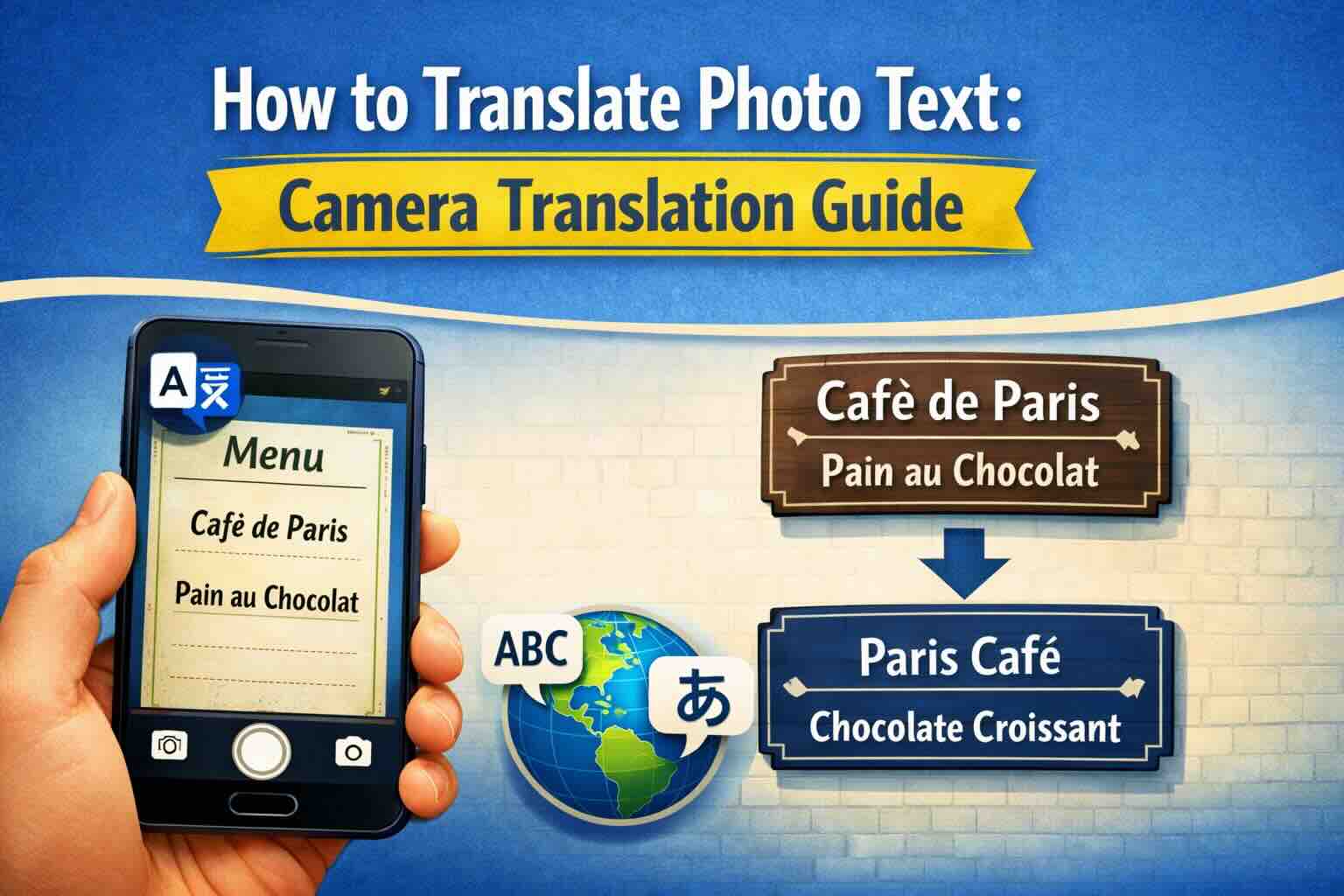
Learn how to translate text from images, photos, and pictures using AI-powered OCR technology. Discover the best image translator tools for menus, signs, documents, and screenshots in 100+ languages.
In today's interconnected world, we encounter text in images everywhere—restaurant menus in foreign countries, street signs, product labels, screenshots, and scanned documents. An image translator powered by AI and OCR (Optical Character Recognition) technology can instantly extract and translate this text, breaking down language barriers in real-time.
This comprehensive guide covers everything you need to know about image translation, from how the technology works to practical tips for getting the best results.
What Is an Image Translator?
An image translator is a tool that combines two powerful technologies:
- OCR (Optical Character Recognition): Extracts text from images, photos, and pictures
- Machine Translation: Translates the extracted text into your desired language
Modern image translators use AI and deep learning to achieve remarkable accuracy, even with challenging images like handwritten text, stylized fonts, or low-quality photos.
Common Use Cases for Image Translation
Travel and Tourism
- Restaurant menus: Instantly understand what you're ordering
- Street signs and directions: Navigate confidently in foreign cities
- Public transportation: Read schedules, maps, and announcements
- Museum exhibits: Understand descriptions and historical information
- Hotel information: Room instructions, emergency procedures
Business and Work
- Product labels: Understand ingredients, instructions, warnings
- Business cards: Translate contact information from international partners
- Contracts and documents: Quick understanding of foreign language papers
- Screenshots: Translate software interfaces, error messages
- Presentations: Understand slides from international colleagues
Education and Research
- Research papers: Translate charts, diagrams, and figures
- Textbooks: Access educational materials in any language
- Historical documents: Translate scanned archival materials
- Language learning: Practice reading foreign text with instant help
How Image Translation Technology Works
Step 1: Image Preprocessing
Before text extraction begins, the image is processed to improve OCR accuracy:
- Brightness and contrast adjustment
- Noise reduction
- Skew correction (straightening tilted images)
- Resolution enhancement
Step 2: Text Detection
AI algorithms identify regions of the image that contain text:
- Distinguish text from background elements
- Identify text direction (horizontal, vertical, curved)
- Detect multiple text regions
- Handle various fonts and styles
Step 3: Character Recognition (OCR)
The detected text is converted to machine-readable characters:
- Neural networks trained on millions of character samples
- Support for 100+ languages and scripts
- Recognition of special characters and symbols
- Handling of different fonts and handwriting styles
Step 4: Translation
The extracted text is translated using neural machine translation:
- Context-aware translation for accuracy
- Preservation of formatting and structure
- Support for specialized terminology
- Real-time processing
Tips for Better Image Translation Results
Image Quality Matters
- Good lighting: Avoid shadows and glare on the text
- Sharp focus: Blurry images reduce OCR accuracy
- High resolution: More pixels mean better character recognition
- Straight angles: Photograph text head-on when possible
Optimize Your Image
- Crop unnecessary background elements
- Ensure text is large enough in the frame
- Use flash carefully—direct flash can cause glare
- For documents, use a scanner or document scanning app
Handle Challenging Situations
- Handwriting: Take clear, well-lit photos; results vary based on handwriting legibility
- Stylized fonts: May require manual correction; standard fonts work best
- Curved text: Modern AI handles mild curves; extreme curves may need multiple photos
- Low contrast: Adjust image contrast before translation if possible
Supported Image Formats
Most image translators support common formats:
- JPEG/JPG: Standard photo format, widely supported
- PNG: Lossless format, great for screenshots
- WebP: Modern format with excellent compression
- GIF: Static images (first frame if animated)
- BMP: Uncompressed images
- TIFF: High-quality scanned documents
Privacy and Security Considerations
When using image translation services, consider:
- Data handling: Understand how your images are processed and stored
- Sensitive information: Be cautious with documents containing personal data
- Business documents: Use trusted services for confidential materials
- Local processing: Some apps offer offline translation for privacy
Image Translation vs. Document Translation
While image translation is perfect for quick, on-the-go needs, formal documents often benefit from dedicated document translation:
| Feature | Image Translation | Document Translation |
|---|---|---|
| Best for | Photos, screenshots, quick translations | PDFs, Word docs, formal documents |
| Layout preservation | Limited | Full preservation |
| Accuracy | Good for clear images | Higher with native text |
| Output format | Plain text | Original format maintained |
For formal documents, consider using PDF translation or Word document translation for better results.
Getting Started with Image Translation
Ready to translate your images? Here's how to get started:
- Prepare your image (ensure good quality and lighting)
- Upload to an image translator
- Select source and target languages
- Review and refine the translation
- Download or copy the translated text
Conclusion
Image translation technology has made it easier than ever to understand text in any language, anywhere in the world. Whether you're traveling abroad, working with international partners, or learning a new language, an AI-powered image translator is an invaluable tool in your arsenal.
Ready to translate your images? Try EasyDocTranslate's Image Translator with advanced AI OCR technology, supporting 100+ languages for photos, pictures, and screenshots. We also offer scanned document translation, PDF translation, and Word document translation. Get started now and break down language barriers instantly.
Ready to Experience Professional Translation?
Try EasyDocTranslate's AI-powered service with support for 100+ languages and automatic format preservation
Translate a Scanned DocumentTools
Popular Translation Tools
Jump from our guides directly to the right document translator.
PDF Translator
Translate native and scanned PDFs with OCR.
Word Translator
Translate DOCX and DOC files while keeping formatting.
Excel Translator
Translate XLSX, XLS and CSV spreadsheets.
Scan Translator
Translate scanned documents, JPG and PNG images.
Traductor Online Gratis
Textos largos, PDF y documentos completos.
Traducción Inglés Español
Documentos PDF y Word con IA.
Traductor Inglés Español
Traduce textos largos y documentos completos.
Traductor de Documentos
PDF, Word, Excel y PowerPoint con IA.
Continue Reading
Explore more articles about document translation, AI technology, and multilingual content
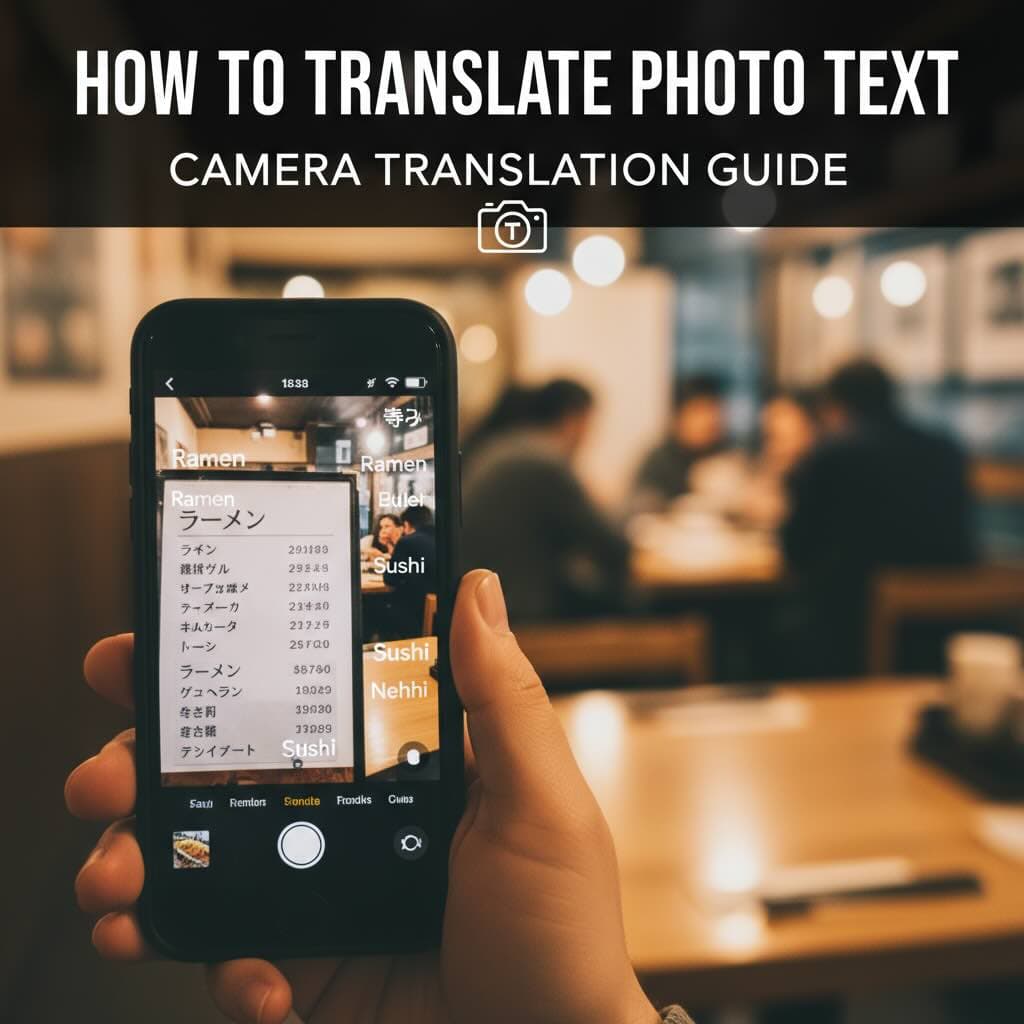
How to Translate Photo Text: Camera Translation Guide
Learn how to translate text from photos instantly using your camera or uploaded images. Complete guide to photo translation apps, OCR technology, and getting accurate translations from pictures.
How to Translate a Scanned PDF Online
Learn how to translate scanned PDFs online with OCR, keep document structure, and preview the first translated page before downloading the full file.
Best PDF Translator for Scanned Documents
Compare what matters in a scanned PDF translator: OCR accuracy, layout preservation, privacy, preview workflow, and supported formats.
AI-Powered Document Translation: How OCR Technology is Revolutionizing Multilingual Content
Explore how artificial intelligence and OCR technology are transforming document translation, making it faster, more accurate, and accessible to businesses of all sizes.