How to Translate Photo Text: Camera Translation Guide
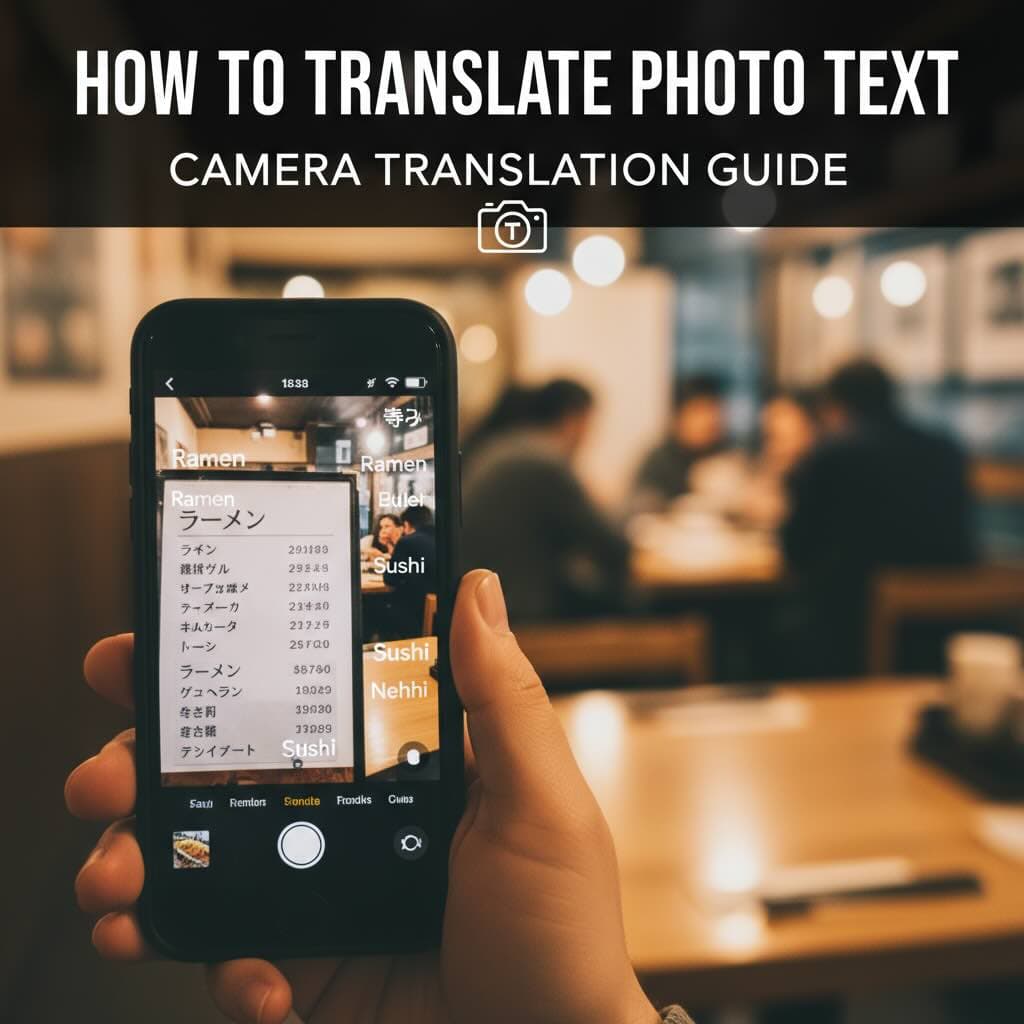
Learn how to translate text from photos instantly using your camera or uploaded images. Complete guide to photo translation apps, OCR technology, and getting accurate translations from pictures.
Whether you're traveling abroad, shopping for imported products, or trying to understand a document in a foreign language, the ability to translate text from photos has become an essential tool. Modern AI and OCR technology make it possible to point your camera at any text and get instant translations.
This guide covers everything you need to know about translating text from photos—from using your smartphone camera to uploading images for translation.
How Photo Translation Works
Photo translation combines several technologies:
1. Image Capture
You can translate text from photos in two ways:
- Live camera translation: Point your camera at text for real-time translation
- Photo upload: Upload existing photos or screenshots for translation
2. OCR (Optical Character Recognition)
The AI scans the image and identifies text:
- Detects text regions in the image
- Recognizes individual characters and words
- Handles multiple fonts, sizes, and styles
- Works with 100+ languages and scripts
3. Neural Machine Translation
The recognized text is translated using AI:
- Context-aware translation for accuracy
- Natural-sounding output
- Support for idioms and expressions
- Technical terminology handling
Common Photo Translation Scenarios
While Traveling
- Restaurant menus: Understand dishes, ingredients, and prices
- Street signs: Navigate cities and find directions
- Public transportation: Read schedules and announcements
- Hotel information: Room instructions, wifi passwords, rules
- Tourist attractions: Museum exhibits, historical markers
Shopping and Products
- Product labels: Ingredients, warnings, instructions
- Sizing charts: International clothing and shoe sizes
- User manuals: Device setup and troubleshooting
- Warranty cards: Coverage and claim procedures
Work and Business
- Business cards: Contact information from international partners
- Presentations: Slides from foreign colleagues
- Forms and documents: Quick understanding of paperwork
- Screenshots: Software interfaces in other languages
Tips for Better Photo Translation
Taking Good Photos for Translation
- Lighting: Ensure adequate, even lighting without shadows
- Angle: Hold camera parallel to the text surface
- Distance: Get close enough for text to be clear
- Focus: Make sure text is sharp and in focus
- Stability: Hold steady or use a tripod for documents
Avoiding Common Problems
- Glare: Avoid flash on glossy surfaces
- Shadows: Don't block light with your phone
- Blur: Wait for camera to focus before capture
- Cropping: Include all text you want translated
Handling Difficult Text
- Handwriting: Print text translates better than cursive
- Stylized fonts: Decorative fonts may need manual help
- Small text: Get close or zoom in before photographing
- Curved surfaces: Flatten if possible or take multiple angles
Live Camera vs. Photo Upload Translation
| Feature | Live Camera | Photo Upload |
|---|---|---|
| Speed | Instant, real-time | Few seconds processing |
| Accuracy | Good for clear text | Higher with good images |
| Use case | Quick, on-the-go translations | Documents, screenshots |
| Internet | Usually required | Can be offline (some apps) |
| Output | Overlay on image | Text or formatted document |
Translating Text from Screenshots
Screenshots are often easier to translate than photos because they're already digital:
- Perfect focus and resolution
- No lighting issues
- Flat, straight text
- Standard digital fonts
Use screenshot translation for:
- Error messages in foreign software
- Website content
- Chat conversations
- Social media posts
- App interfaces
Languages with Special Considerations
Right-to-Left Languages (Arabic, Hebrew)
- Text direction is automatically detected
- Translation maintains proper reading order
- Numbers may appear differently
Asian Languages (Chinese, Japanese, Korean)
- Complex characters require good image quality
- Vertical text is supported
- Multiple readings possible (especially Japanese)
Cyrillic Script (Russian, Ukrainian, Bulgarian)
- Similar characters to Latin may cause confusion
- Ensure correct language detection
- Handwriting recognition varies
Privacy When Translating Photos
Consider these privacy aspects:
- Personal documents: Be cautious with IDs, medical records
- Business documents: Confidential information may be at risk
- Location data: Photos may contain GPS information
- Offline options: Use offline translation for sensitive content
Beyond Basic Photo Translation
For more complex needs, consider:
- Document translation: PDF translation for formal documents
- Scanned documents: Scan translator for paper documents
- Full document formatting: Word document translation
Conclusion
Photo translation has transformed how we interact with foreign languages. Whether you're deciphering a menu in Tokyo, reading street signs in Moscow, or understanding product labels from abroad, AI-powered photo translation makes it all possible in seconds.
Ready to translate text from your photos? Try EasyDocTranslate's Image Translator with advanced AI OCR technology supporting 100+ languages. Upload photos, pictures, or screenshots and get instant, accurate translations. We also offer scan translation, PDF translation, and document translation. Start translating now!
Ready to Experience Professional Translation?
Try EasyDocTranslate's AI-powered service with support for 100+ languages and automatic format preservation
Translate a Scanned DocumentTools
Popular Translation Tools
Jump from our guides directly to the right document translator.
PDF Translator
Translate native and scanned PDFs with OCR.
Word Translator
Translate DOCX and DOC files while keeping formatting.
Excel Translator
Translate XLSX, XLS and CSV spreadsheets.
Scan Translator
Translate scanned documents, JPG and PNG images.
Traductor Online Gratis
Textos largos, PDF y documentos completos.
Traducción Inglés Español
Documentos PDF y Word con IA.
Traductor Inglés Español
Traduce textos largos y documentos completos.
Traductor de Documentos
PDF, Word, Excel y PowerPoint con IA.
Continue Reading
Explore more articles about document translation, AI technology, and multilingual content
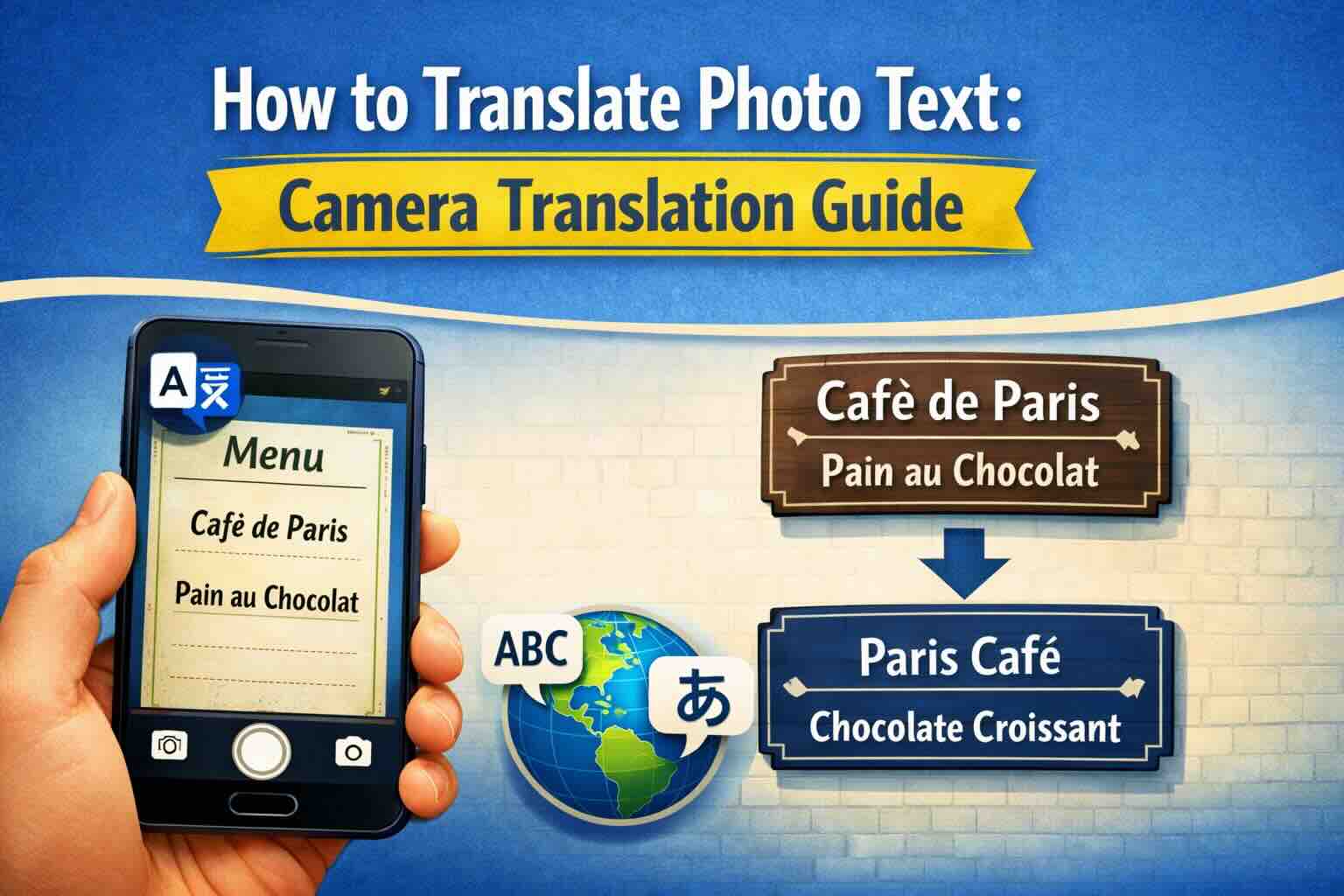
Image Translator: Complete Guide to Photo and Picture Translation
Learn how to translate text from images, photos, and pictures using AI-powered OCR technology. Discover the best image translator tools for menus, signs, documents, and screenshots in 100+ languages.
How to Translate a Scanned PDF Online
Learn how to translate scanned PDFs online with OCR, keep document structure, and preview the first translated page before downloading the full file.
Best PDF Translator for Scanned Documents
Compare what matters in a scanned PDF translator: OCR accuracy, layout preservation, privacy, preview workflow, and supported formats.
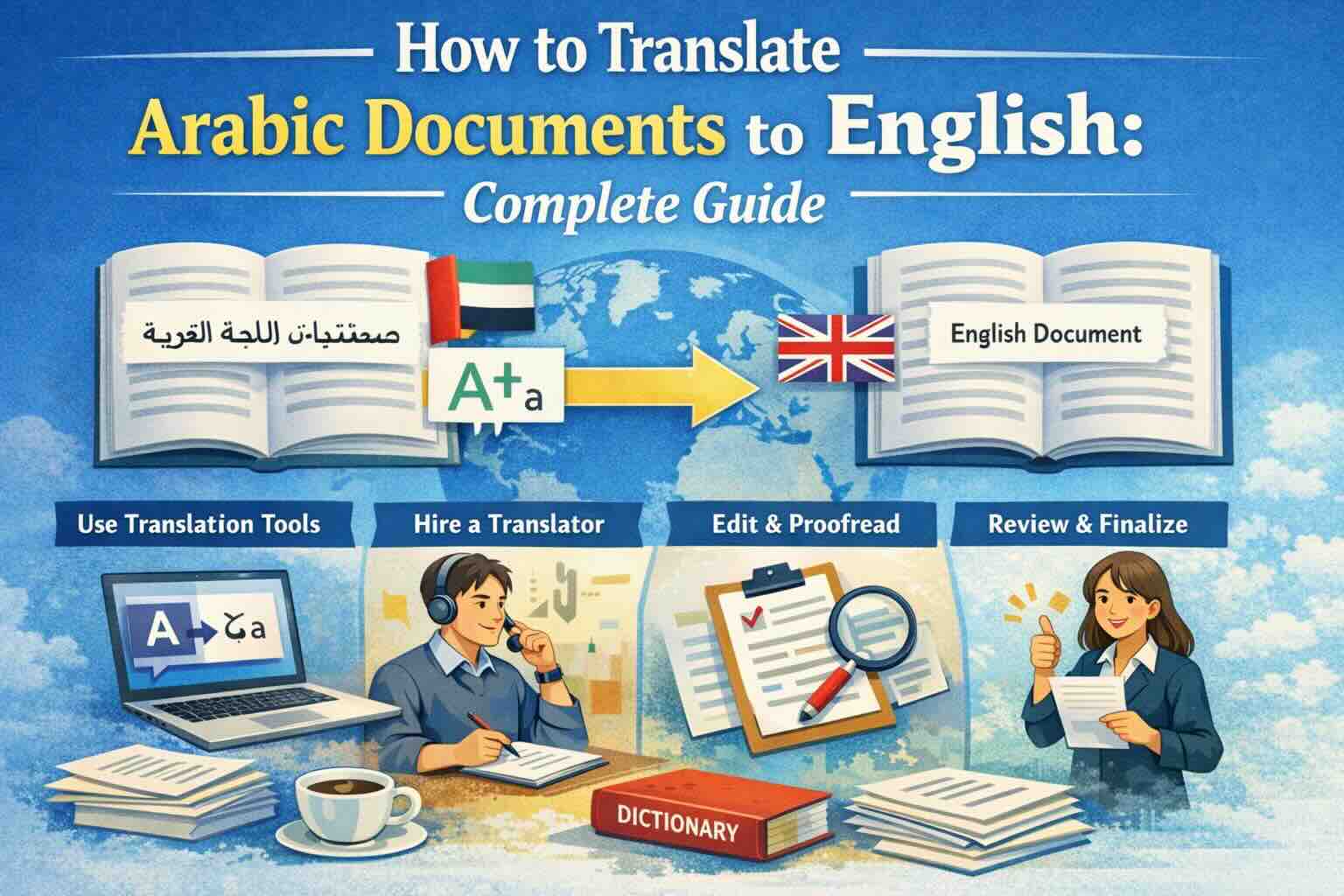
How to Translate Arabic Documents to English: Complete Guide
Learn how to translate Arabic documents to English accurately. Covers PDF, Word, Excel files with right-to-left text handling, OCR for scanned Arabic documents, and tips for preserving formatting across scripts.