How to Translate Arabic Documents to English: Complete Guide
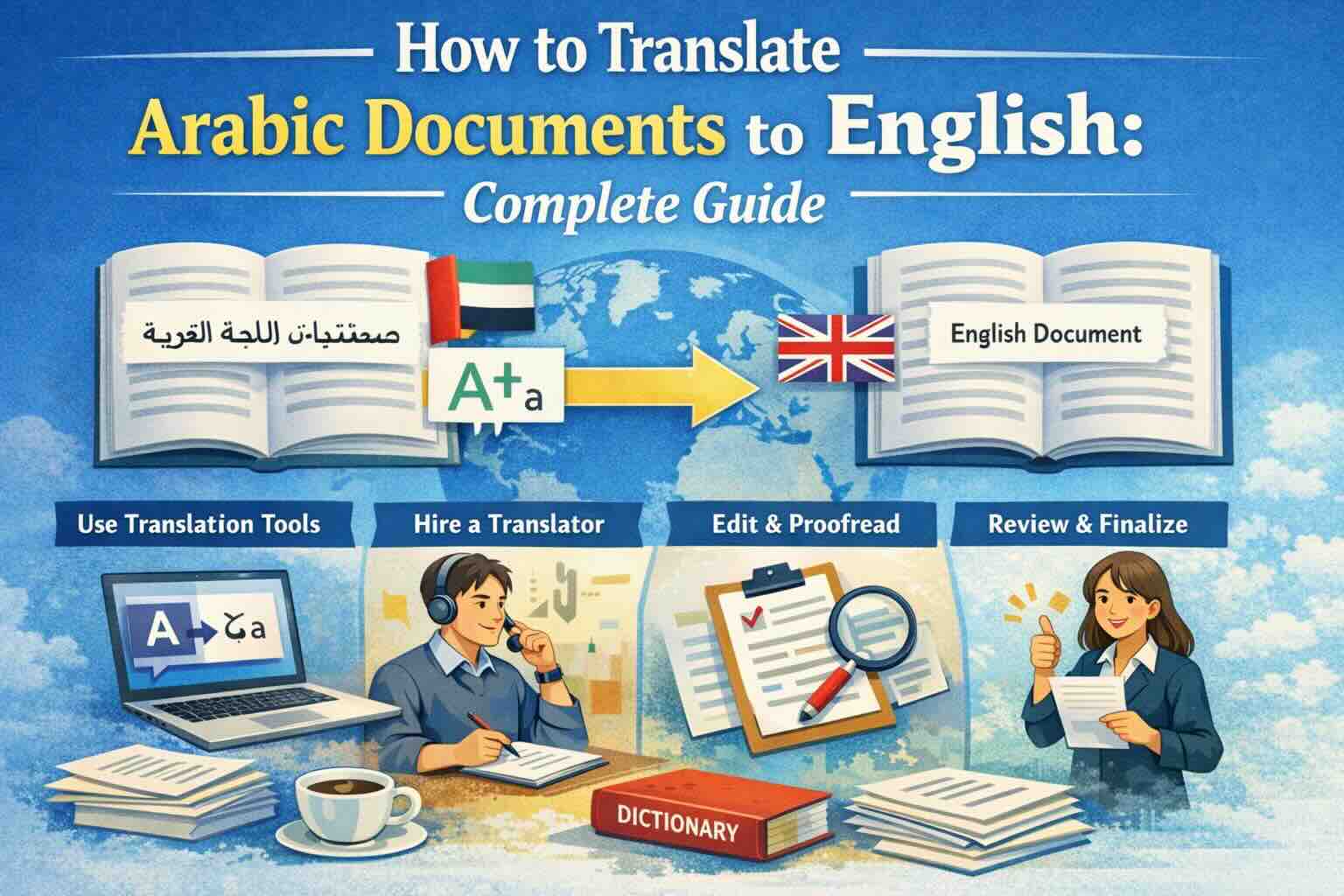
Learn how to translate Arabic documents to English accurately. Covers PDF, Word, Excel files with right-to-left text handling, OCR for scanned Arabic documents, and tips for preserving formatting across scripts.
Arabic is one of the most widely spoken languages in the world, with over 400 million speakers across the Middle East, North Africa, and beyond. Whether you're dealing with business contracts, legal documents, academic papers, or government certificates, translating Arabic documents to English requires special attention to the unique characteristics of the Arabic script.
In this guide, we'll cover everything you need to know about translating Arabic documents to English — from handling right-to-left (RTL) text to OCR for scanned Arabic PDFs.
Why Arabic Document Translation Is Unique
Arabic presents several challenges that make document translation more complex than many other languages:
- Right-to-left (RTL) script: Arabic text flows from right to left, while English flows left to right. This affects the entire document layout, including tables, headers, and page structure.
- Connected letters: Arabic letters change shape depending on their position in a word (initial, medial, final, or isolated). This makes OCR recognition more complex.
- Diacritical marks: Arabic uses optional vowel marks (harakat) that can change word meaning. Professional translation must account for these.
- Multiple Arabic variants: Modern Standard Arabic (MSA) differs from regional dialects. Documents may use formal MSA or local variants.
- Numbers: Arabic documents may use Eastern Arabic numerals (٠١٢٣٤٥٦٧٨٩) or Western Arabic numerals (0123456789).
Translating Arabic PDFs to English
PDF is the most common format for Arabic documents — contracts, certificates, official letters, and academic papers are typically shared as PDFs.
Native Arabic PDFs
If your Arabic PDF contains selectable text (you can highlight and copy the text), translation is straightforward:
- Upload your Arabic PDF to EasyDocTranslate's PDF Translator
- Select Arabic as the source language and English as the target
- Our AI extracts the text, translates it, and rebuilds the document
- The translated PDF preserves the original layout, with text now flowing left-to-right
Scanned Arabic PDFs
Many Arabic documents — especially government certificates, older contracts, and handwritten documents — are scanned images. These require OCR (Optical Character Recognition) before translation:
- Upload your scanned Arabic PDF to our Scan Translator
- Our advanced OCR engine recognizes Arabic text, including connected letters and diacritical marks
- The extracted text is then translated to English
- You receive a clean, readable English document
Our OCR technology achieves high accuracy with Arabic script, including recognition of different Arabic fonts (Naskh, Thuluth, Ruq'ah) and handwritten text.
Translating Arabic Word Documents
Arabic Word documents (DOC, DOCX) often contain complex formatting:
- RTL paragraph direction: Text alignment and paragraph flow are reversed
- Mixed content: Arabic documents frequently contain English words, numbers, or technical terms
- Tables: Column order may be reversed compared to English documents
- Headers and footers: Position and flow direction differ from English
Use our Word Translator to handle all of these elements automatically. The AI preserves your document structure while converting the text to English and adjusting the layout direction.
Translating Arabic Excel Spreadsheets
Arabic Excel files present additional challenges:
- Sheet direction: Arabic Excel sheets may flow from right to left
- Column headers: Written in Arabic, they need accurate translation to maintain data context
- Number formats: Eastern Arabic numerals must be converted or preserved based on your needs
- Formulas: Cell references remain the same, but surrounding text needs translation
Our Excel Translator handles all these nuances while preserving formulas and data integrity.
Common Arabic Document Types
Here are the most frequently translated Arabic document types:
- Business contracts: Legal agreements between Arabic and English-speaking parties
- Government certificates: Birth certificates, marriage certificates, educational diplomas
- Financial reports: Bank statements, audit reports, financial statements
- Academic papers: Research papers, theses, academic transcripts
- Medical records: Patient records, medical reports, prescriptions
- Technical manuals: Product documentation, engineering specifications
- Legal documents: Court documents, power of attorney, immigration papers
Tips for Best Arabic to English Translation Results
- Use high-quality scans: For scanned documents, use at least 300 DPI resolution for best OCR accuracy
- Specify the Arabic variant: If your document uses a specific dialect, note this for more accurate translation
- Check number formats: Verify that Eastern Arabic numerals are correctly converted
- Review proper names: Arabic names and place names may have multiple accepted English spellings
- Preserve the original: Always keep the original Arabic document alongside the translation for reference
Conclusion
Translating Arabic documents to English doesn't have to be complicated. With modern AI-powered translation and OCR technology, you can get accurate, professionally formatted translations in minutes — whether you're working with native PDFs, scanned documents, Word files, or Excel spreadsheets.
Ready to translate your Arabic documents? Try EasyDocTranslate's Arabic to English translator with advanced AI and OCR support for 100+ languages. Upload your document and get a free preview of the first page. We also support PDF translation, Word translation, and scanned document translation. Start translating now!
Ready to Experience Professional Translation?
Try EasyDocTranslate's AI-powered service with support for 100+ languages and automatic format preservation
Translate a Scanned DocumentTools
Popular Translation Tools
Jump from our guides directly to the right document translator.
PDF Translator
Translate native and scanned PDFs with OCR.
Word Translator
Translate DOCX and DOC files while keeping formatting.
Excel Translator
Translate XLSX, XLS and CSV spreadsheets.
Scan Translator
Translate scanned documents, JPG and PNG images.
Traductor Online Gratis
Textos largos, PDF y documentos completos.
Traducción Inglés Español
Documentos PDF y Word con IA.
Traductor Inglés Español
Traduce textos largos y documentos completos.
Traductor de Documentos
PDF, Word, Excel y PowerPoint con IA.
Continue Reading
Explore more articles about document translation, AI technology, and multilingual content
How to Translate Arabic PDF to English
Learn how to translate Arabic PDFs, scanned files and RTL documents to English while preserving structure and checking preview quality.
How to Translate Japanese Documents to English: Complete Guide
Learn how to translate Japanese documents to English accurately. Covers PDF, Word, and scanned documents with tips for handling Kanji, Hiragana, Katakana scripts, vertical text layouts, and preserving document formatting.
How to Translate Japanese Documents to English Online
Translate Japanese PDF, Word and scanned documents to English online while preserving formatting and previewing the first page free.
How to Translate Gujarati Documents to English
Translate Gujarati PDF, Word, Excel and scanned documents to English online with a free first-page preview and layout preservation.