How to Translate Japanese Documents to English: Complete Guide
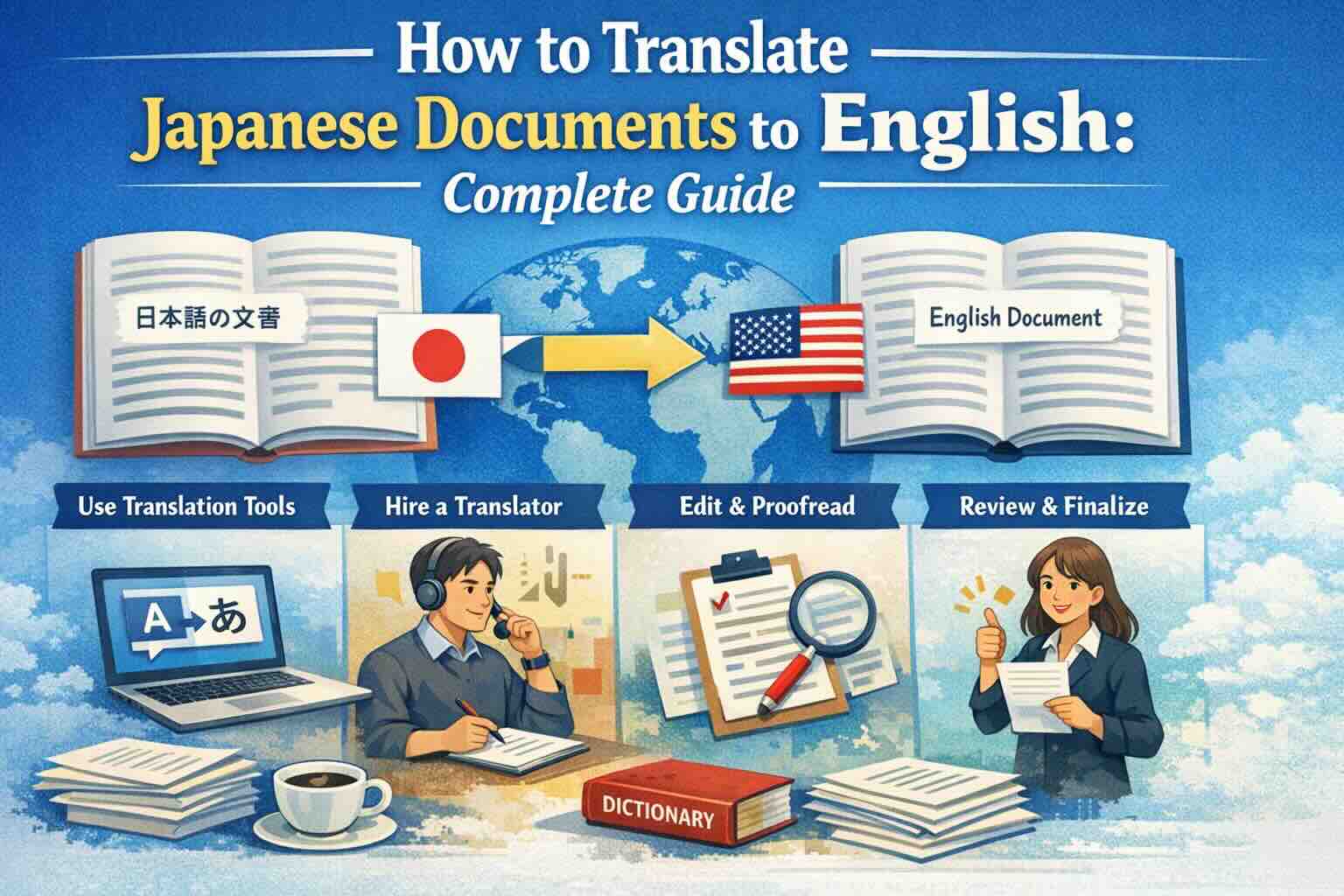
Learn how to translate Japanese documents to English accurately. Covers PDF, Word, and scanned documents with tips for handling Kanji, Hiragana, Katakana scripts, vertical text layouts, and preserving document formatting.
Japanese is a fascinating language with a complex writing system that combines three scripts — Kanji (Chinese characters), Hiragana (phonetic script), and Katakana (script for foreign words). Translating Japanese documents to English requires understanding these scripts and the unique formatting conventions used in Japanese business and official documents.
Whether you need to translate a Japanese business contract, technical manual, academic paper, or scanned certificate, this guide covers everything you need to know.
Why Japanese Document Translation Is Complex
Japanese documents present unique challenges compared to other languages:
- Three writing systems: Japanese uses Kanji (漢字), Hiragana (ひらがな), and Katakana (カタカナ) — often mixed within a single sentence. OCR must recognize all three simultaneously.
- Vertical text layouts: Traditional Japanese documents may use vertical text (tategaki, 縦書き), reading from top to bottom, right to left. This is common in formal documents, legal texts, and literature.
- No spaces between words: Unlike English, Japanese doesn't use spaces to separate words. AI must determine word boundaries from context.
- Honorifics and politeness levels: Japanese has multiple levels of formality (keigo). The translation must match the appropriate tone.
- Mixed scripts in technical documents: Technical Japanese documents often contain English terms written in Katakana or mixed with Roman letters (romaji).
Translating Japanese PDFs to English
Native Japanese PDFs
If your Japanese PDF has selectable text, translation is straightforward:
- Upload your Japanese PDF to EasyDocTranslate's PDF Translator
- Select Japanese as the source language and English as the target
- Our AI processes all three scripts (Kanji, Hiragana, Katakana) and translates accurately
- The translated document preserves the original layout in horizontal English text
Scanned Japanese PDFs
Scanned Japanese documents — certificates, older contracts, handwritten documents — require OCR:
- Upload your scanned Japanese PDF to our Scan Translator
- Our OCR engine recognizes all three Japanese scripts, including complex Kanji characters
- The extracted text is translated to natural English
- You receive a clean, readable English document
Japanese OCR is particularly challenging because Kanji characters can be very detailed with many strokes. Our AI handles over 6,000 commonly used Kanji characters (Joyo Kanji) plus thousands of additional characters used in names and specialized texts.
Translating Japanese Word Documents
Japanese Word documents often have specific formatting:
- Font choices: Japanese fonts (MS Mincho, MS Gothic, Yu Mincho) contain thousands of glyphs
- Text direction: May use horizontal (yokogaki) or vertical (tategaki) layout
- Ruby text (furigana): Small reading guides above Kanji characters, common in educational and legal documents
- Mixed language content: Japanese documents frequently include English terms, especially in business and technical contexts
Our Word Translator handles all these elements, converting vertical text to horizontal English layout while preserving document structure.
Common Japanese Document Types
Here are the most frequently translated Japanese document types:
- Business contracts (契約書): Partnership agreements, NDAs, licensing contracts
- Technical manuals (取扱説明書): Product documentation, engineering specifications, user guides
- Academic papers (論文): Research publications, theses, academic transcripts
- Financial statements (財務諸表): Balance sheets, income statements, audit reports
- Government documents (公文書): Certificates, registrations, official correspondence
- Medical records (診療記録): Patient records, diagnostic reports
- Patent documents (特許文書): Patent applications, intellectual property filings
- Immigration documents: Residence cards, visa documents, family registry (koseki)
Tips for Best Japanese to English Results
- High-resolution scans: Japanese Kanji has many detailed strokes — use at least 300 DPI for scanned documents
- Specify the context: Business, legal, technical, and casual Japanese can differ significantly in vocabulary and tone
- Check proper names: Japanese names can have multiple possible readings — verify romanization of names
- Dates and numbers: Japanese documents may use the Japanese calendar era (Reiwa, Heisei) alongside Western dates
- Review technical terms: Industry-specific Kanji compounds may need domain expertise for accurate translation
Professional vs. Machine Translation for Japanese
Japanese is one of the languages where AI translation has improved most dramatically in recent years. Modern neural machine translation handles Japanese-to-English translation with impressive accuracy for:
- Standard business documents
- Technical manuals with common terminology
- General correspondence and emails
- Product descriptions and marketing materials
For critical documents like legal contracts, medical records, and patent filings, we recommend using AI translation as a first pass and then having a professional reviewer verify the result.
Conclusion
Translating Japanese documents to English is now faster and more accurate than ever thanks to AI-powered translation and OCR technology. Whether you're working with scanned certificates, Word documents, or complex technical PDFs, modern tools can handle the unique challenges of Japanese script.
Ready to translate your Japanese documents? Try EasyDocTranslate's Japanese to English translator with advanced AI and OCR support. Upload your document and get a free preview of the first page. We also support PDF translation, Word translation, Excel translation, and scanned document translation. Start translating now!
Ready to Experience Professional Translation?
Try EasyDocTranslate's AI-powered service with support for 100+ languages and automatic format preservation
Translate a Scanned DocumentTools
Popular Translation Tools
Jump from our guides directly to the right document translator.
PDF Translator
Translate native and scanned PDFs with OCR.
Word Translator
Translate DOCX and DOC files while keeping formatting.
Excel Translator
Translate XLSX, XLS and CSV spreadsheets.
Scan Translator
Translate scanned documents, JPG and PNG images.
Traductor Online Gratis
Textos largos, PDF y documentos completos.
Traducción Inglés Español
Documentos PDF y Word con IA.
Traductor Inglés Español
Traduce textos largos y documentos completos.
Traductor de Documentos
PDF, Word, Excel y PowerPoint con IA.
Continue Reading
Explore more articles about document translation, AI technology, and multilingual content
How to Translate Arabic Documents to English: Complete Guide
Learn how to translate Arabic documents to English accurately. Covers PDF, Word, Excel files with right-to-left text handling, OCR for scanned Arabic documents, and tips for preserving formatting across scripts.
How to Translate Arabic PDF to English
Learn how to translate Arabic PDFs, scanned files and RTL documents to English while preserving structure and checking preview quality.
How to Translate Japanese Documents to English Online
Translate Japanese PDF, Word and scanned documents to English online while preserving formatting and previewing the first page free.
How to Translate Gujarati Documents to English
Translate Gujarati PDF, Word, Excel and scanned documents to English online with a free first-page preview and layout preservation.