How to Translate Japanese Documents to English Online
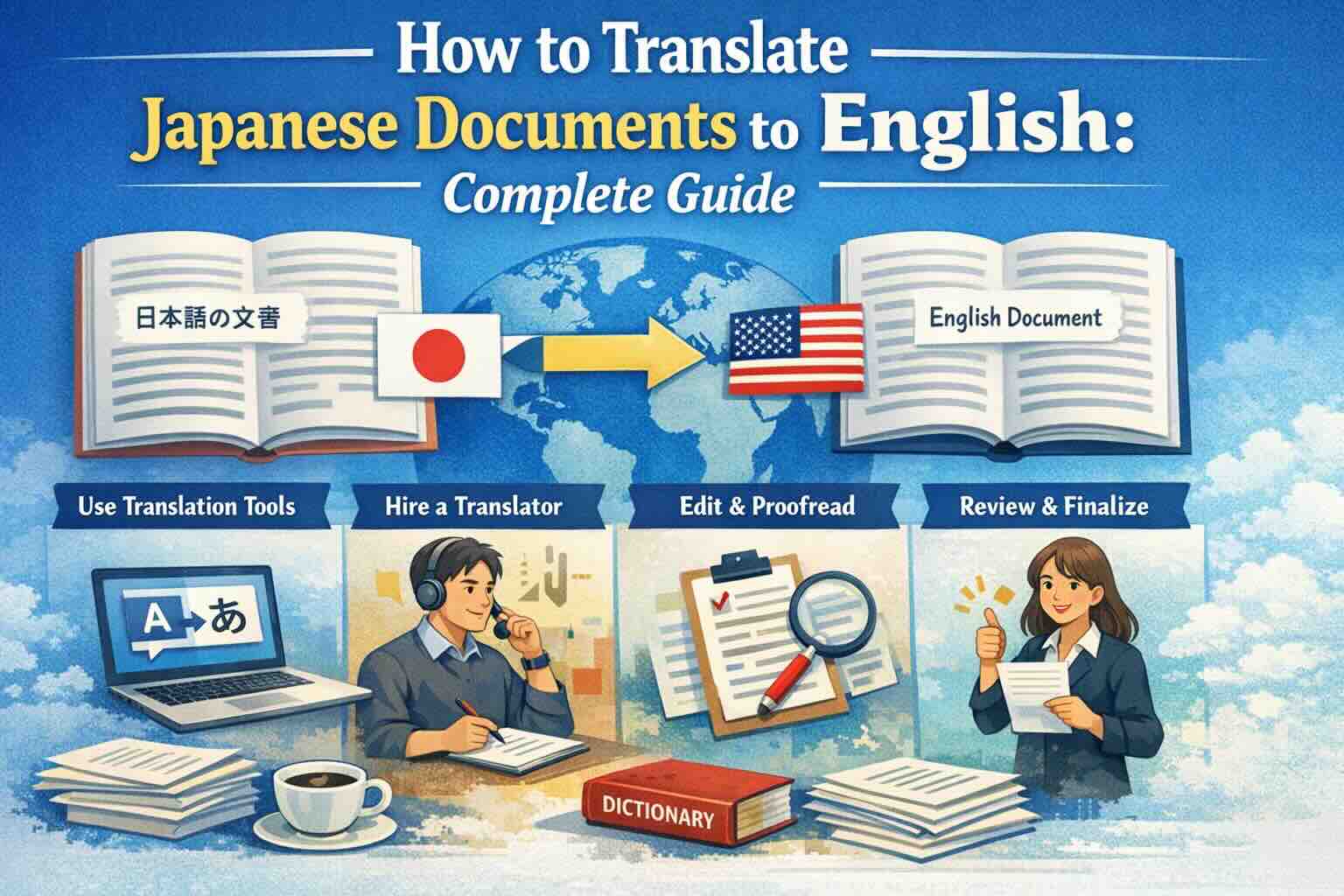
Translate Japanese PDF, Word and scanned documents to English online while preserving formatting and previewing the first page free.
Japanese documents may include mixed scripts, tables and scanned pages. Translating the original document preserves more context than copy-paste text translation.
Recommended Workflow
- Open Japanese to English Translator.
- Upload PDF, Word, Excel or a scanned image.
- Choose English and preview the first page.
- Download the completed translation.
For Japanese native access, use 日本語ページ.
Ready to Experience Professional Translation?
Try EasyDocTranslate's AI-powered service with support for 100+ languages and automatic format preservation
Translate Japanese DocumentsTools
Popular Translation Tools
Jump from our guides directly to the right document translator.
PDF Translator
Translate native and scanned PDFs with OCR.
Word Translator
Translate DOCX and DOC files while keeping formatting.
Excel Translator
Translate XLSX, XLS and CSV spreadsheets.
Scan Translator
Translate scanned documents, JPG and PNG images.
Traductor Online Gratis
Textos largos, PDF y documentos completos.
Traducción Inglés Español
Documentos PDF y Word con IA.
Traductor Inglés Español
Traduce textos largos y documentos completos.
Traductor de Documentos
PDF, Word, Excel y PowerPoint con IA.
Continue Reading
Explore more articles about document translation, AI technology, and multilingual content
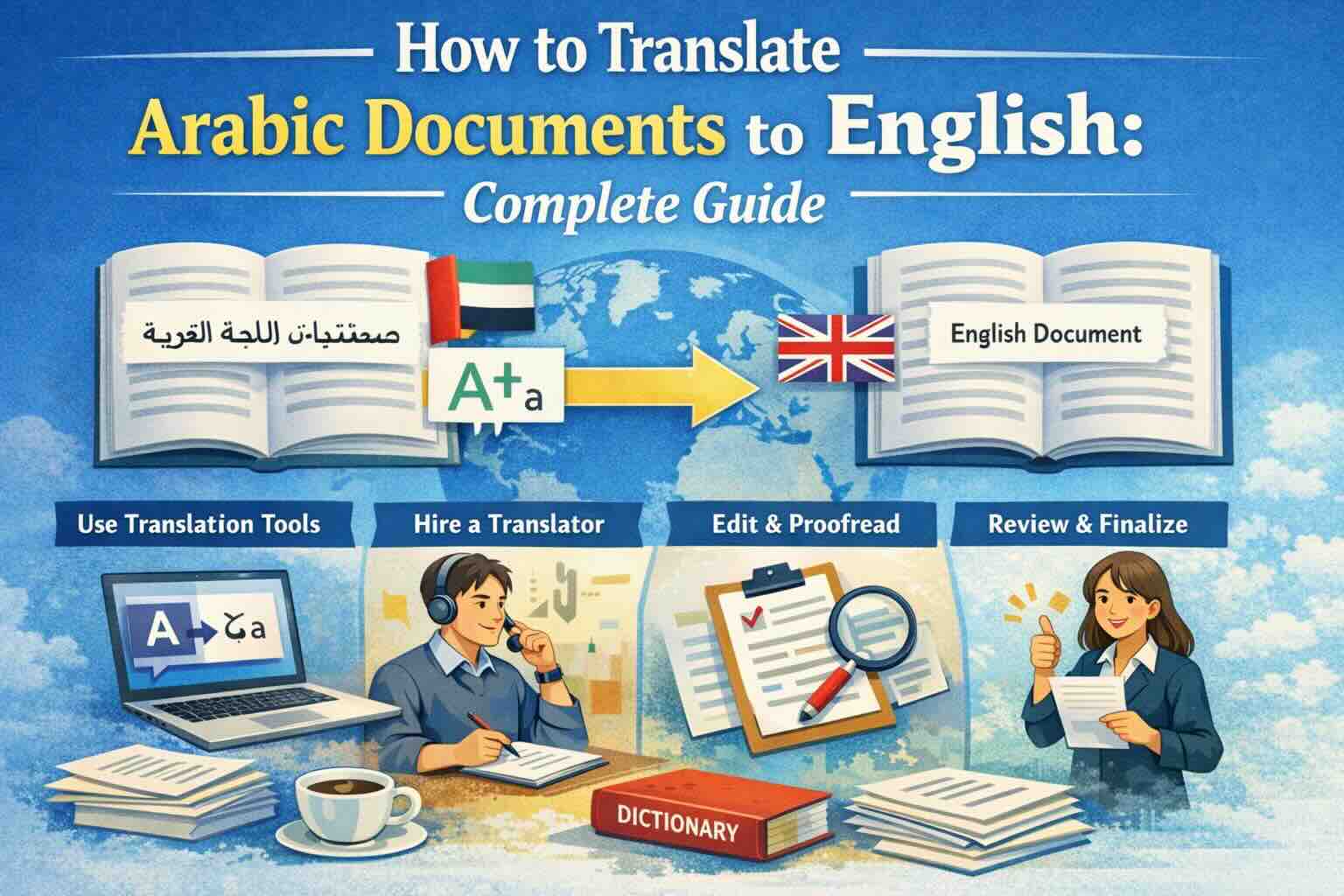
How to Translate Arabic Documents to English: Complete Guide
Learn how to translate Arabic documents to English accurately. Covers PDF, Word, Excel files with right-to-left text handling, OCR for scanned Arabic documents, and tips for preserving formatting across scripts.
How to Translate Arabic PDF to English
Learn how to translate Arabic PDFs, scanned files and RTL documents to English while preserving structure and checking preview quality.
How to Translate Japanese Documents to English: Complete Guide
Learn how to translate Japanese documents to English accurately. Covers PDF, Word, and scanned documents with tips for handling Kanji, Hiragana, Katakana scripts, vertical text layouts, and preserving document formatting.
How to Translate Gujarati Documents to English
Translate Gujarati PDF, Word, Excel and scanned documents to English online with a free first-page preview and layout preservation.