DeepL vs Google Translate for Documents
DeepL and Google Translate are strong text translators, but document translation depends on file formats, previews, layout, OCR and workflow.
DeepL and Google Translate are both powerful, but translating files introduces workflow questions: which formats are supported, whether layout is kept, and how scanned documents are handled.
What Matters for Documents
- PDF, Word, Excel and PowerPoint support
- OCR for scanned files
- Free preview before payment
- Downloadable translated file
If your priority is a document workflow with preview and layout preservation, try EasyDocTranslate Doc Translator.
Ready to Experience Professional Translation?
Try EasyDocTranslate's AI-powered service with support for 100+ languages and automatic format preservation
Translate a DocumentTools
Popular Translation Tools
Jump from our guides directly to the right document translator.
PDF Translator
Translate native and scanned PDFs with OCR.
Word Translator
Translate DOCX and DOC files while keeping formatting.
Excel Translator
Translate XLSX, XLS and CSV spreadsheets.
Scan Translator
Translate scanned documents, JPG and PNG images.
Traductor Online Gratis
Textos largos, PDF y documentos completos.
Traducción Inglés Español
Documentos PDF y Word con IA.
Traductor Inglés Español
Traduce textos largos y documentos completos.
Traductor de Documentos
PDF, Word, Excel y PowerPoint con IA.
Continue Reading
Explore more articles about document translation, AI technology, and multilingual content
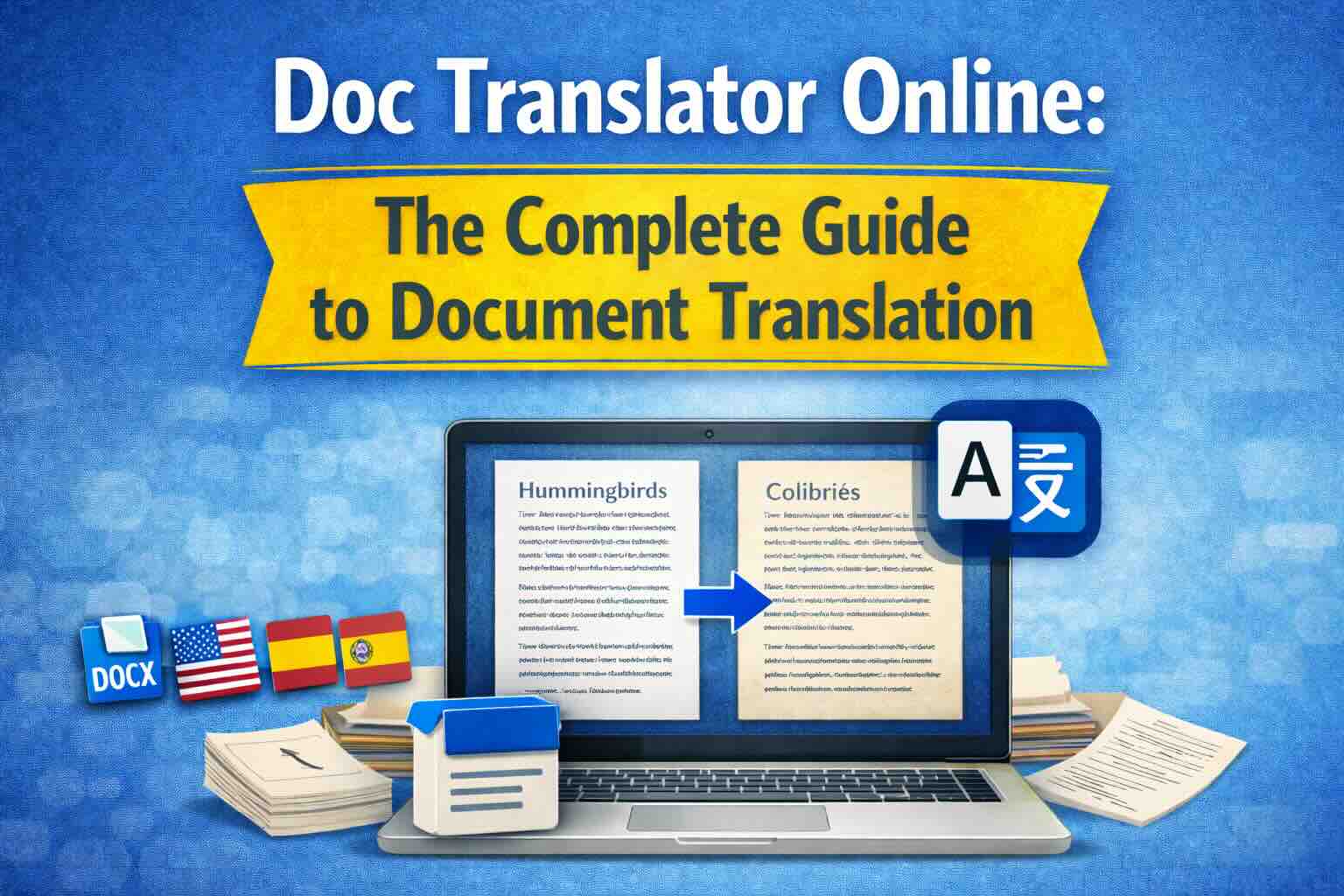
Doc Translator Online: The Complete Guide to Document Translation
Everything you need to know about online doc translators. Learn how to translate Word documents, PDFs, and other files while preserving formatting, using AI-powered translation technology.
Best Translator for Long Texts and Documents
Long text translation works best when the entire document is translated together, preserving context, terminology, formatting and structure.
Google Translate vs Document Translator: Which Is Better for Files?
Google Translate is useful for text, but document translators are built for PDF, Word, Excel, PowerPoint and scanned files with layout preservation.
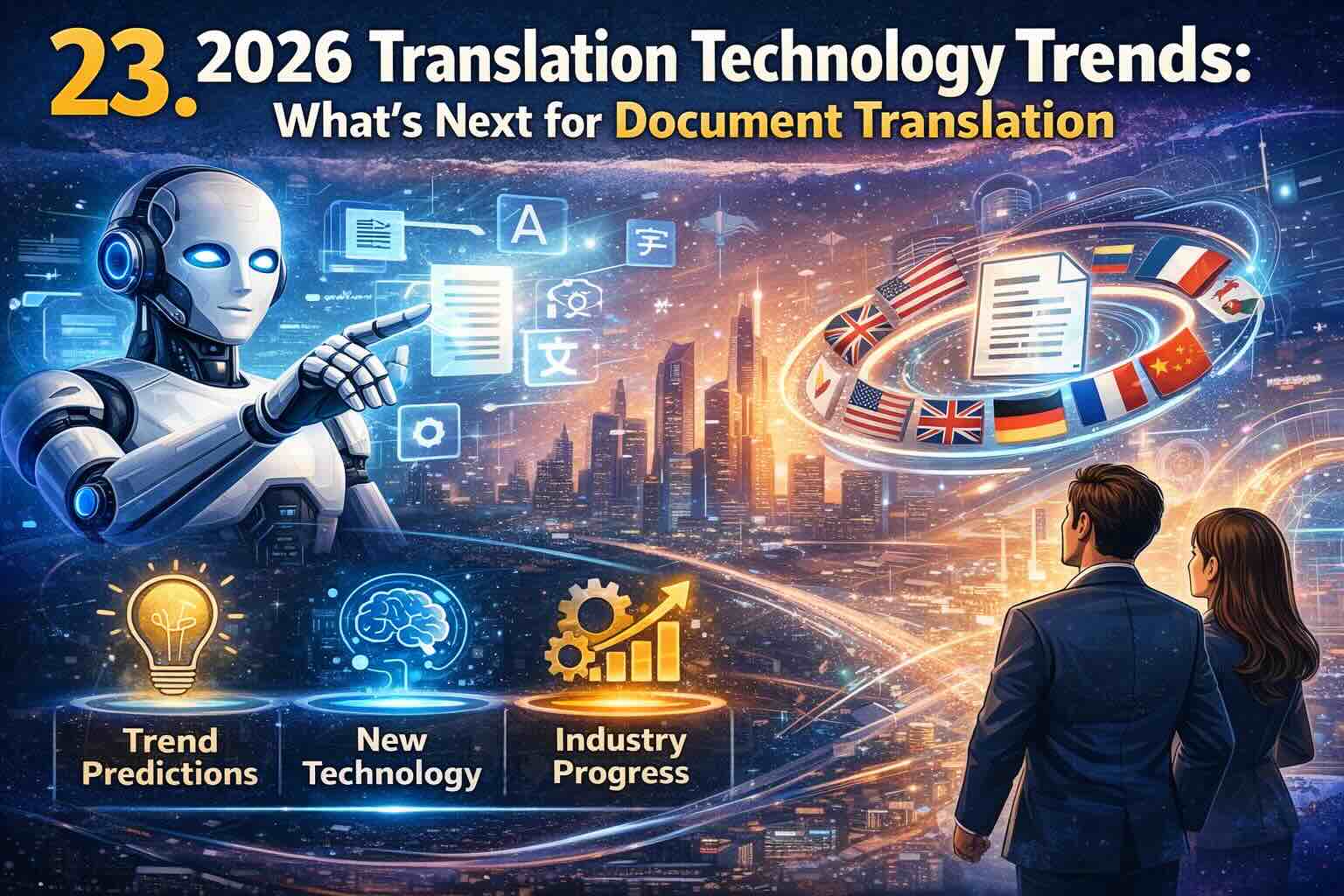
2026 Translation Technology Trends: What's Next for Document Translation
Discover the cutting-edge translation technology trends shaping 2026. From advanced AI models to real-time multimodal translation, explore how emerging technologies will transform document translation for businesses worldwide.