Doc Translator Online: The Complete Guide to Document Translation
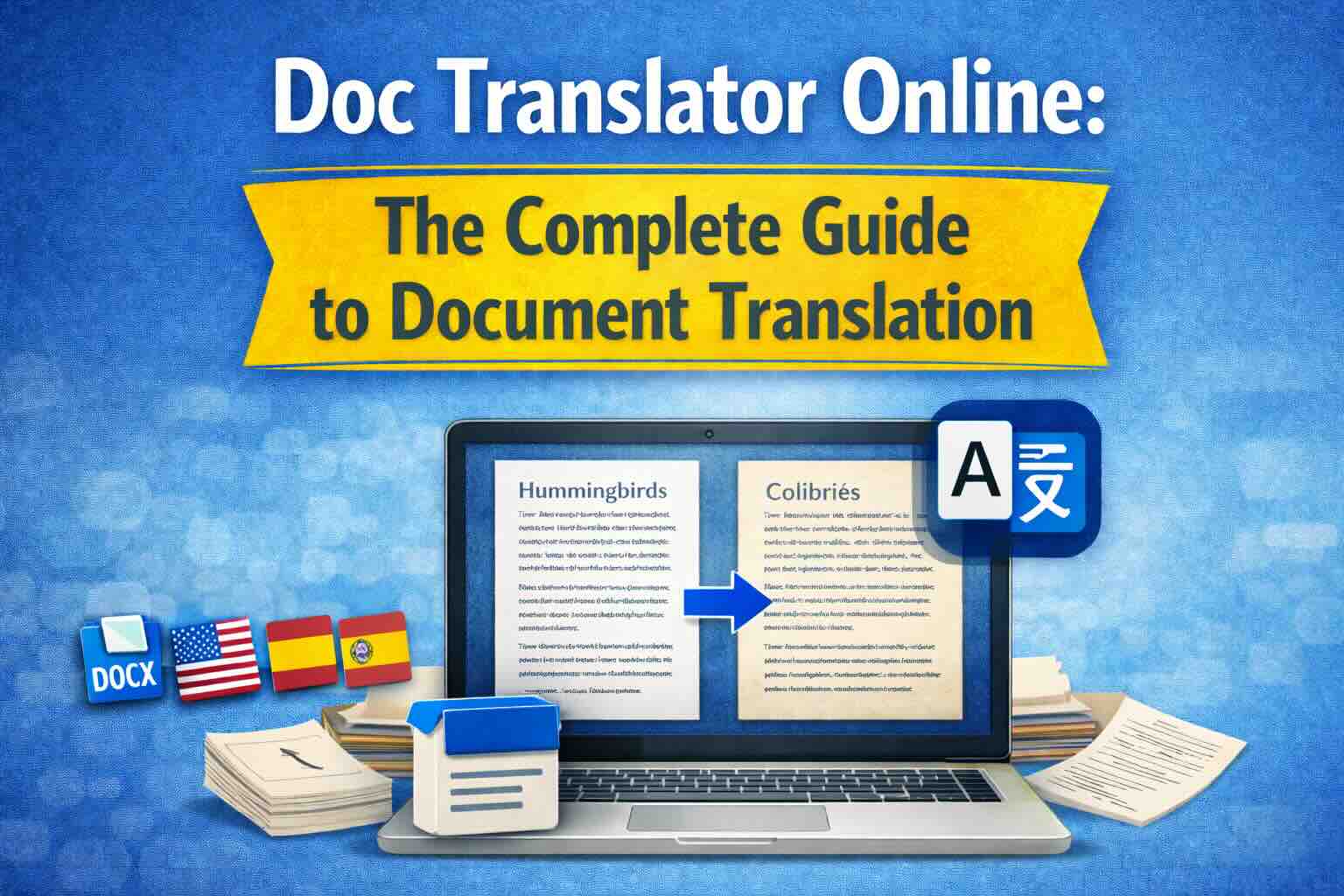
Everything you need to know about online doc translators. Learn how to translate Word documents, PDFs, and other files while preserving formatting, using AI-powered translation technology.
Document translation has evolved dramatically with the rise of AI and cloud technology. Today's online doc translators can process entire documents in seconds while maintaining formatting, layout, and design—something that was impossible just a few years ago.
This comprehensive guide covers everything you need to know about online document translation, from choosing the right tool to getting the best results.
What Is an Online Doc Translator?
An online doc translator is a web-based service that:
- Accepts document uploads (Word, PDF, Excel, PowerPoint, etc.)
- Extracts text content while preserving structure
- Translates content using AI/machine translation
- Reconstructs the document with translated text
- Maintains original formatting, images, and layout
Unlike simple text translation, doc translators handle the complex task of preserving document integrity across languages.
Supported Document Formats
Modern doc translators support a wide range of formats:
Microsoft Office Documents
- Word (.doc, .docx): Full support for text, tables, images, headers, footers
- Excel (.xls, .xlsx): Spreadsheets with formulas preserved
- PowerPoint (.ppt, .pptx): Presentations with animations and layouts
PDF Documents
- Native PDFs: Text-based PDFs with selectable text
- Scanned PDFs: Image-based PDFs requiring OCR
- Complex PDFs: Multi-column layouts, forms, tables
Other Formats
- Plain text (.txt): Simple text files
- Markdown (.md): Formatted text with preserved syntax
- HTML: Web pages with structure maintained
- CSV: Data files with columns preserved
- Images (JPG, PNG): Using OCR technology
Key Features of Quality Doc Translators
1. Format Preservation
The most important feature of any doc translator is maintaining document formatting:
- Font styles (bold, italic, underline)
- Paragraph alignment and spacing
- Tables and cell formatting
- Images and their positioning
- Headers, footers, and page numbers
- Lists and bullet points
- Colors and backgrounds
2. Layout Maintenance
Professional documents require consistent layout:
- Multi-column layouts
- Text boxes and shapes
- Page breaks and margins
- Document sections
- Master slides (PowerPoint)
3. Language Support
A good doc translator should support:
- 100+ languages for translation
- Automatic language detection
- Right-to-left languages (Arabic, Hebrew)
- Asian languages with complex scripts
- Languages with special characters
4. OCR Capabilities
For scanned documents and images:
- Accurate text extraction
- Support for multiple scripts
- Handling of handwritten text
- Recognition of tables and forms
How to Use an Online Doc Translator
Step 1: Prepare Your Document
- Ensure your file is in a supported format
- Check file size limits (usually 10-50MB)
- For scanned documents, ensure good scan quality
- Remove any unnecessary elements if possible
Step 2: Upload Your Document
- Drag and drop or select file from your device
- Wait for upload completion
- Some services auto-detect the source language
Step 3: Select Languages
- Confirm or select source language
- Choose target language for translation
- Some tools allow multiple target languages
Step 4: Review Preview
- Many services offer free preview of translated pages
- Check formatting and layout preservation
- Verify translation quality
Step 5: Download Translated Document
- Download in original format or alternative
- Some services offer side-by-side comparisons
- Save for your records
Best Practices for Document Translation
For Word Documents
- Use standard fonts that translate well across systems
- Keep complex formatting to a minimum
- Use styles consistently throughout
- Avoid text in images when possible
For PDF Documents
- Native PDFs translate more accurately than scanned
- Ensure high scan quality for scanned documents
- Simple layouts work better than complex designs
- Consider converting to Word first for very complex PDFs
For Spreadsheets
- Protect formulas before translation
- Keep data separate from labels
- Use consistent date and number formats
- Test calculations after translation
When to Use Professional Human Translation
While AI doc translators are excellent for many use cases, consider professional human translation for:
- Legal documents: Contracts, agreements, certifications
- Medical documents: Patient records, clinical trials
- Marketing materials: Where cultural nuance matters
- Technical manuals: With safety-critical information
- Certified translations: For official or legal purposes
Privacy and Security
When using online doc translators, consider:
- Data encryption: Ensure HTTPS and secure upload
- File retention: Understand how long files are stored
- Privacy policy: Review data handling practices
- Compliance: GDPR, HIPAA, or other requirements
Conclusion
Online doc translators have revolutionized how we handle multilingual documents. With AI-powered accuracy and automatic format preservation, translating documents has never been easier or more accessible.
Ready to translate your documents? Try EasyDocTranslate's Doc Translator with instant AI translation, perfect format preservation, and support for 100+ languages. We handle Word documents, PDFs, Excel spreadsheets, PowerPoint presentations, and images. Get started now with a free preview of your first page.
Ready to Experience Professional Translation?
Try EasyDocTranslate's AI-powered service with support for 100+ languages and automatic format preservation
Translate a Word DocumentTools
Popular Translation Tools
Jump from our guides directly to the right document translator.
PDF Translator
Translate native and scanned PDFs with OCR.
Word Translator
Translate DOCX and DOC files while keeping formatting.
Excel Translator
Translate XLSX, XLS and CSV spreadsheets.
Scan Translator
Translate scanned documents, JPG and PNG images.
Traductor Online Gratis
Textos largos, PDF y documentos completos.
Traducción Inglés Español
Documentos PDF y Word con IA.
Traductor Inglés Español
Traduce textos largos y documentos completos.
Traductor de Documentos
PDF, Word, Excel y PowerPoint con IA.
Continue Reading
Explore more articles about document translation, AI technology, and multilingual content
Best Translator for Long Texts and Documents
Long text translation works best when the entire document is translated together, preserving context, terminology, formatting and structure.
Google Translate vs Document Translator: Which Is Better for Files?
Google Translate is useful for text, but document translators are built for PDF, Word, Excel, PowerPoint and scanned files with layout preservation.
DeepL vs Google Translate for Documents
DeepL and Google Translate are strong text translators, but document translation depends on file formats, previews, layout, OCR and workflow.
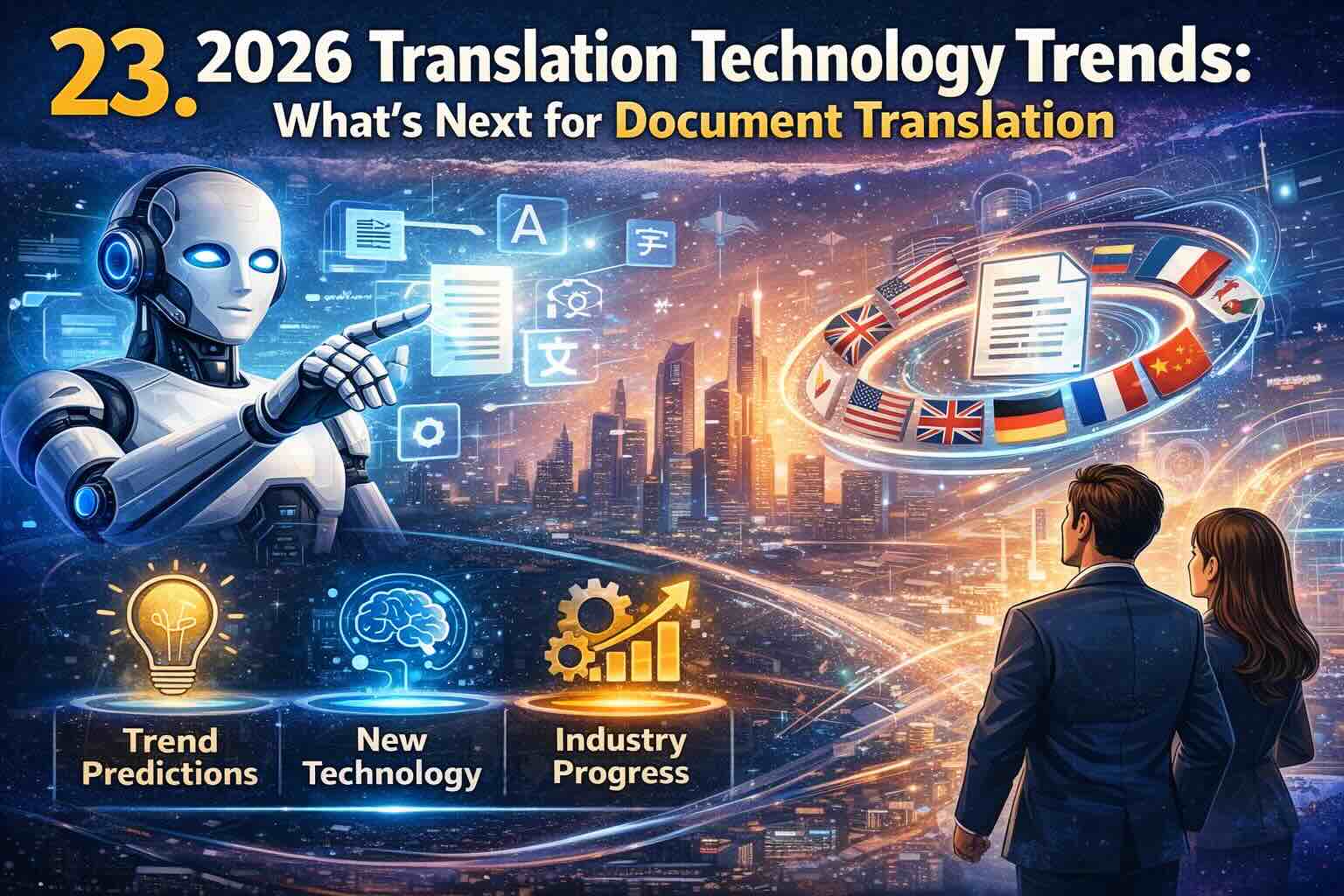
2026 Translation Technology Trends: What's Next for Document Translation
Discover the cutting-edge translation technology trends shaping 2026. From advanced AI models to real-time multimodal translation, explore how emerging technologies will transform document translation for businesses worldwide.